
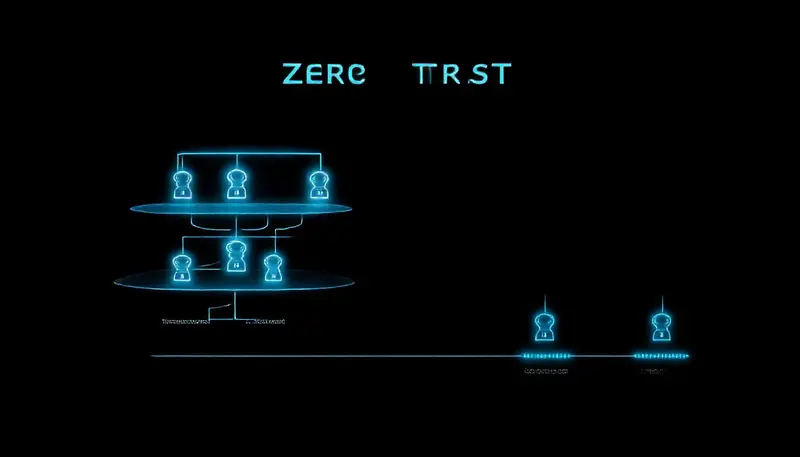

The traditional approach to network security is often described as a "castle and moat." Everything inside the network is trusted; everything outside is kept out. But in 2026, that model is dangerously outdated. Remote work, cloud applications, and mobile devices mean your data lives outside the castle walls more often than inside them. Zero Trust architecture flips the model: trust nothing, verify everything.
What Is Zero Trust?
Zero Trust is a security framework based on a simple principle: never trust, always verify. No user, device, or application is trusted by default — even if they're already inside your network. Every access request is authenticated, authorised, and encrypted before access is granted. If you're exploring broader protection strategies, our guide on ransomware protection covers one of the biggest threats Zero Trust helps prevent.
Coined by Forrester Research and popularised by Google's BeyondCorp implementation, Zero Trust has become the gold standard for modern cybersecurity. In South Africa, where cybercrime is rising rapidly, it's a model every business should understand.
The Core Principles of Zero Trust
1. Continuous Verification
Traditional security checks your credentials when you log in and then trusts you for the rest of the session. Zero Trust verifies continuously — checking device health, user behaviour, location, and access patterns throughout the session. If something looks suspicious, access is revoked immediately.
2. Least Privilege Access
Users get only the access they need to do their jobs — nothing more. A marketing intern doesn't need access to the finance server. A sales rep doesn't need admin privileges on their laptop. Least privilege limits the damage if an account is compromised.
3. Microsegmentation
Instead of one big network, Zero Trust breaks your network into small, isolated segments. If an attacker breaches one segment, they can't move laterally to reach sensitive data in another. Each segment requires separate authentication.
4. Assume Breach
Zero Trust operates on the assumption that a breach has already happened or will happen. Instead of focusing only on prevention, it emphasises detection, containment, and rapid response. This mindset changes how you design your defences.
How to Implement Zero Trust in Your Business
Step 1: Identify Your Protect Surface
Start by identifying what you need to protect: sensitive data (customer records, financial info), critical applications (accounting, ERP), and high-value systems (servers, databases). You can't protect everything equally, so prioritise.
Step 2: Map How Data Flows
Understand how data moves through your organisation. Who accesses what, from where, and using which devices? This reveals blind spots and unexpected access paths.
Step 3: Implement Strong Authentication
Multi-factor authentication (MFA) is non-negotiable in a Zero Trust model. Every user must verify their identity with at least two factors — something they know (password), something they have (phone), and/or something they are (biometric).
Step 4: Enforce Device Compliance
Only devices that meet your security standards should be allowed access. This means up-to-date operating systems, enabled firewalls, running antivirus, and no known vulnerabilities. Mobile Device Management (MDM) tools can enforce these policies automatically.
Step 5: Monitor and Adapt
Zero Trust is not a set-and-forget solution. Continuous monitoring, log analysis, and automated responses are essential. Use Endpoint Detection and Response (EDR) tools and Security Information and Event Management (SIEM) systems to stay on top of threats.
Zero Trust for South African SMBs
You don't need an enterprise budget to implement Zero Trust principles. Many of the foundational elements — MFA, strong passwords, device compliance policies, access controls — can be implemented with tools you already have or cost-effective cloud solutions.
Microsoft 365 Business Premium, for example, includes many Zero Trust capabilities: Conditional Access policies, MFA, device compliance through Intune, and data loss prevention.
Ready to move beyond the castle-and-moat model? CT Bedfordview can help you implement Zero Trust principles tailored to your business size and budget. Get in touch for a security consultation.
Common Zero Trust Questions
Is Zero Trust only for large enterprises?
No. While large enterprises were early adopters, Zero Trust principles scale down to any size business. The key is implementing what makes sense for your risk profile and budget.
Does Zero Trust slow down employees?
When implemented well, Zero Trust should be nearly invisible to users. Modern solutions verify identity seamlessly through single sign-on (SSO) and adaptive authentication that only challenges users when risk is elevated.
Do I need to replace all my existing security tools?
Not necessarily. Many existing tools can be configured to support Zero Trust principles. Start with what you have and fill gaps as needed.